
July 23, 2026
My Video Streaming Setup
For this post, I decided to answer a question that I get asked without fail every single weekend on game day. This isn't really coaching related, exactly, but since I'm asked this question so often, I figured it would be useful to anyone looking for information on this site: How do I set up all of the tech for video streaming a game? I'll post an in-depth video about this topic soon, but for anyone just looking for the quick hits, here it is.
To be clear, I'm not sponsored by any of the products I'm about to mention in this post. These are just the things I've found that work for me.
I'll start by saying that my setup is much simpler than others I've seen. I'm coaching, so I don't have time to be orchestrating a full multi-angle video studio. I need to set myself up when I arrive at the field and forget about it until it's time to leave so that I can focus my attention on my team.
The Easy Stuff
Camera
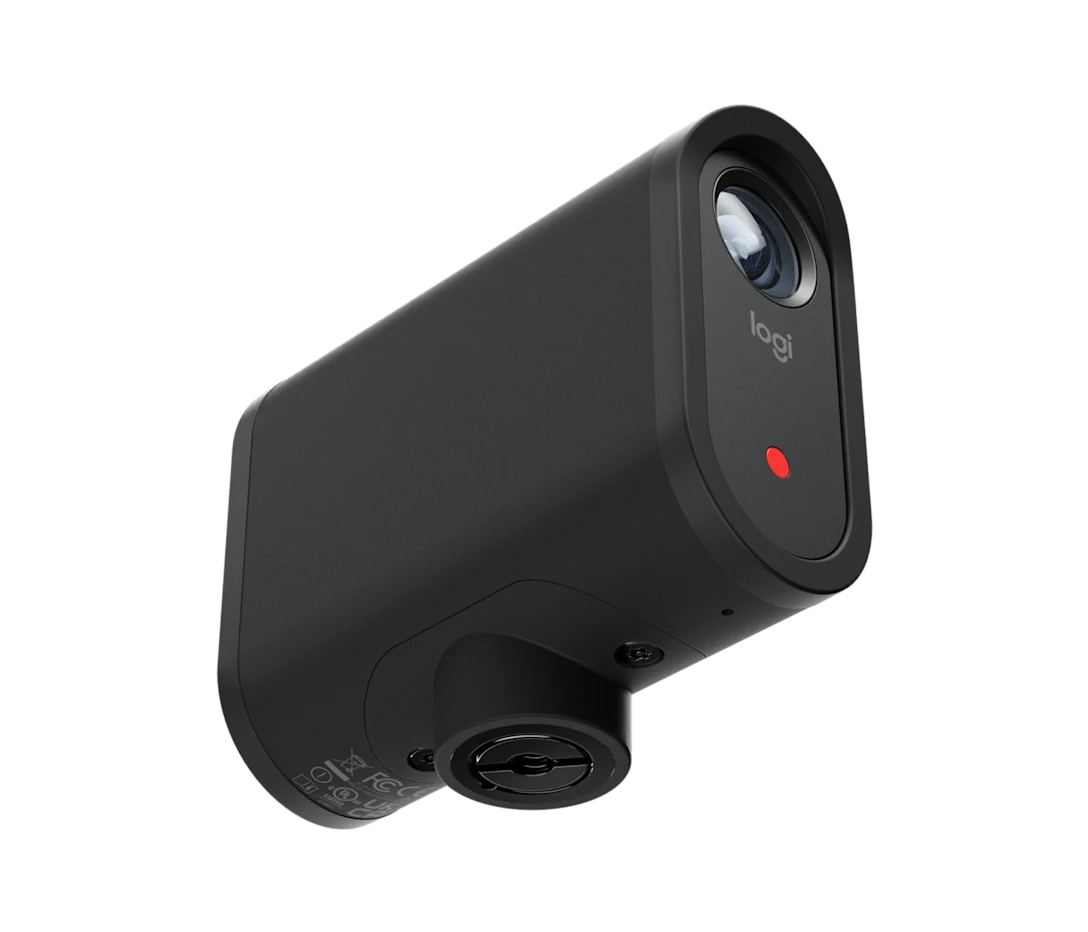
You could just strap your phone to the fence and call it a day, but as you'll see is a common theme here, I like to have a dedicated device for each purpose. This prevents a whole host of issues like lagging, overheating, running out of space, or poor video quality in general. Some people use GoPro, but I find it's really not best suited for this type of a setup. I like this option from Logitec: the Mevo Start. I bought mine directly from the manufacturer's website, but you might be able to find a better deal at places like Amazon or Walmart.
The battery on this is good enough to film a couple of games without recharging, but an external battery pack (more on them below) will help you feel more secure for a long weekend of games. I also highly recommend purchasing a few of the largest Micro SD cards you can find. There's nothing worse than getting to the end of the game and finding out that your camera ran out of storage.
Fence Mount
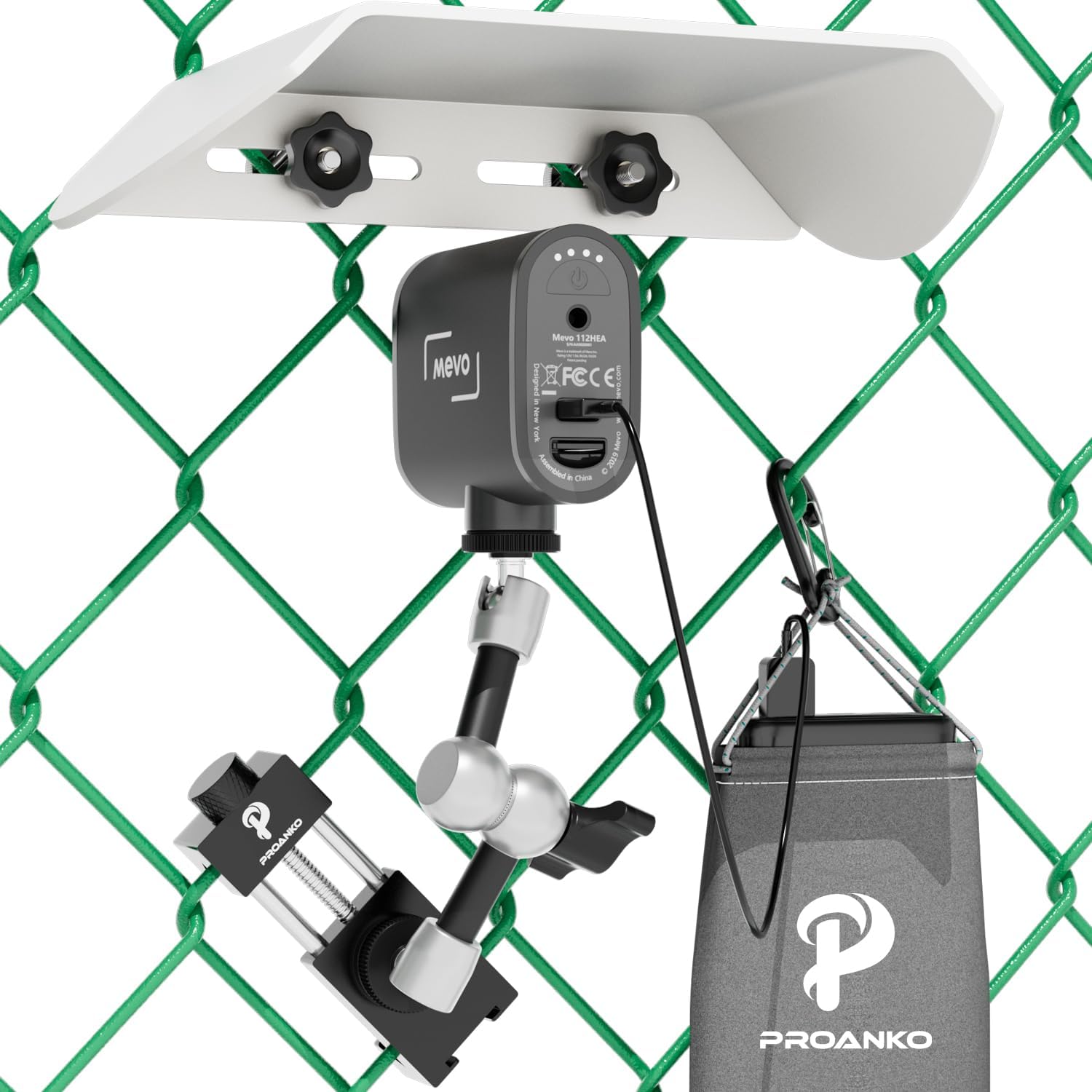
Obviously, you'll need a way to point your camera in the right direction. I picked up this fence mount from Amazon, and it works great. It holds the camera exactly where it needs to be on the backstop, supports your external battery, and even has a shield for sun/rain. I've seen some other cool ones that magnet instead of clamp to the fence that are probably right around the same price.
The Harder Stuff
We stream our games through the GameChanger app, but this next section applies whether you're doing that or streaming directly to YouTube or some other platform. Your camera needs to be controlled by an external device like a phone or tablet. Both devices need to be connected to the same wireless network. The simplest option is to turn your phone into a mobile hotspot, connect the camera to it, and use the phone as the controlling device. But in practice, this really doesn't work well. First of all, your phone does not have a very good range for its Wi-Fi, and it's easy for the camera to lose connection, especially if you are running all over the field coaching, which you are. Second, your phone is busy doing a lot of things unrelated to streaming your video, (like sending you notifications that you should have silenced before getting to the game, for example). It can easily get overwhelmed while trying to perform all its functions and provide internet for an external device and control that device while streaming to a third-party platform. This is a very laggy experience, and you'll find your video drops repeatedly.
This will all be improved if you follow the setup below and give each device a single responsibility and give your whole area a better network to access.
Wi-Fi Router
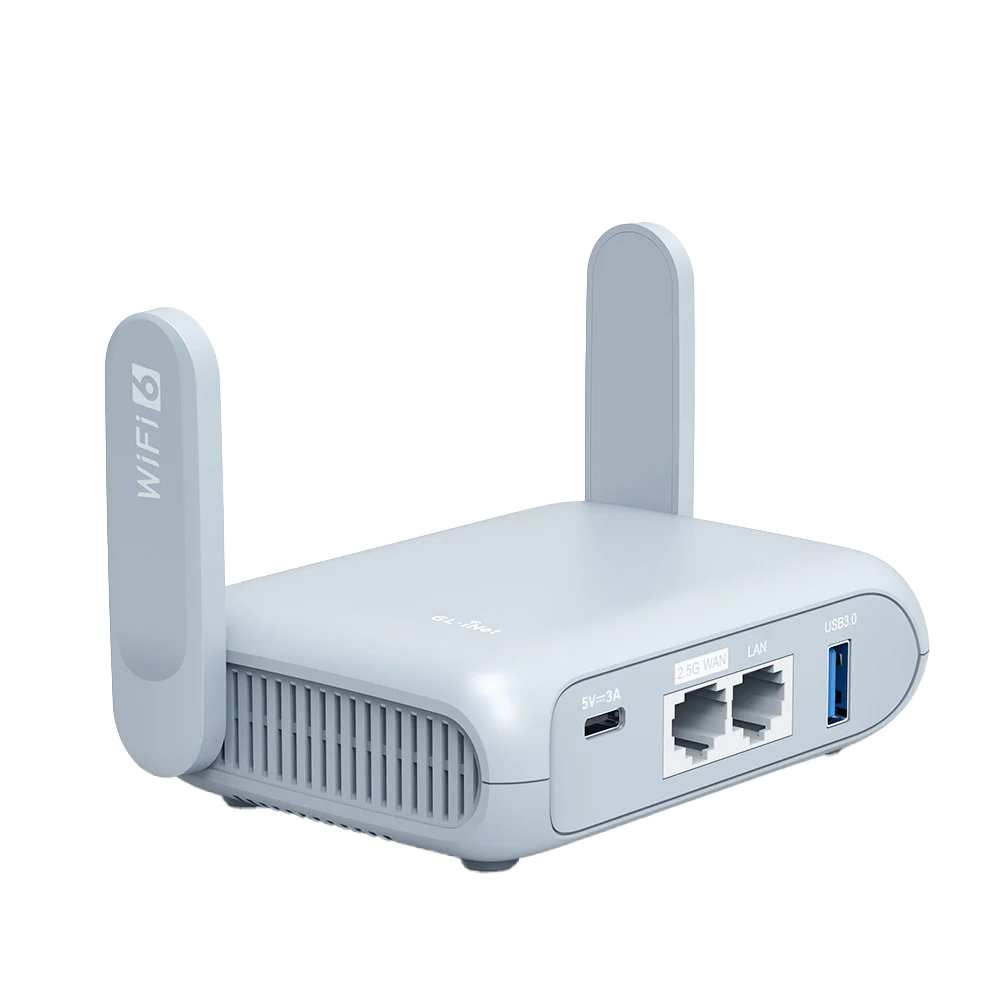
To keep your phone from having to perform every function at once, I like to provide internet to the whole area using a wireless router. The Baryl AX Pocket Router from GL.inet is small and super easy to set up. You'll need an external battery pack to power it (see below), but this guy is worth the extra gear. This provides a 5 GHz Wi-Fi network that basically covers the whole field and has much better security than your average hotspot. It's only job is to provide a big signal, and it doesn't lag due to other responsibilities. Plug it into your phone or hotspot (yes, it has to be physically connected) and the battery, connect the camera to its deticated network, and you're good.
IMPORTANT: Get a USB cable that is rated for data transfer, not just for charging (example). Without it, the router simply won't provide internet.
Dedicated Mobile Hotspot
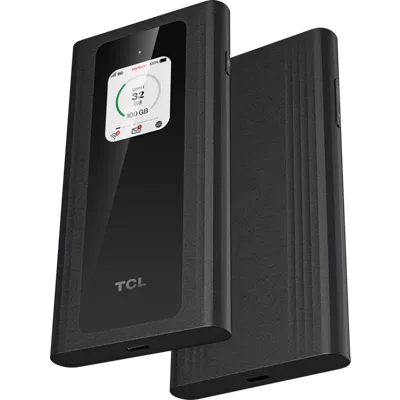
As I said, the Wi-Fi router needs to be plugged directly into your source of internet, which might be your phone in hotspot mode. This works, but it kind of sucks to have to put your phone into the bag with your Wi-Fi router and not have it for the whole game. Also, if you're like me and streaming multiple games every weekend for months during the season, you'll find you run out of your hotspot data on your cellular plan pretty quickly. I resisted doing this for a while, but it's a huge quality-of-life upgrade. Pick up a dedicated hotspot device from your cellular provider, and use it for this purpose only. That way, your phone gets to stay in your pocket, and you don't have to worry about how much data you're using. I got this one from Verizon: TLC Linkzone Go 5G
IMPORTANT: Don't use the Wi-Fi functionality of your hotspot device. Have your Wi-Fi router connect via USB only. The wireless on these hotspots has notoriously weak security and a poor range anyway. It's the job of the Wi-Fi router (above) to broadcast a network around the field. The hotspot's only job is to provide wired internet access to the router.
One thing I haven't gotten figured out yet: if you're on a family plan, adding this line for unlimited data on a dedicated hotspot device costs about $40 a month. If you are actively getting your family off of the big carriers like Verizon in favor of discount carriers, you'll soon find that this is the only device left in your Verizon plan, and it now costs about $80 per month. I'd love to find a discount carrier that will handle the hotspot device as well, but I'm still working on that.
Tablet
OK, now this is definitely a luxury item, and not strictly necessary. But well... I really like it. I'm in my 40s, and my eyesight isn't what it used to be. Setting up my camera angle is just so much nicer on the larger screen of an iPad Air or other tablet. Also if you're going to be scoring the game on GameChanger, the larger screen is really great. Install the Mevo app on your tablet, join the dedicated Wi-Fi network you're providing above, and you can handle both streaming (in the background) and scoring (actively) from the same device.
Pro tip: get yourself a heavy duty protective case so you can clip the tablet to the fence in between innings and avoid losing sleep over dropping it while you're at the game.
Thanks for getting to the end of my very long tech post! I hope you found it useful. If you try these solutions out, let me know what you think. Also, I would love to hear from you about different setups you've tried at the field and what I may have missed.